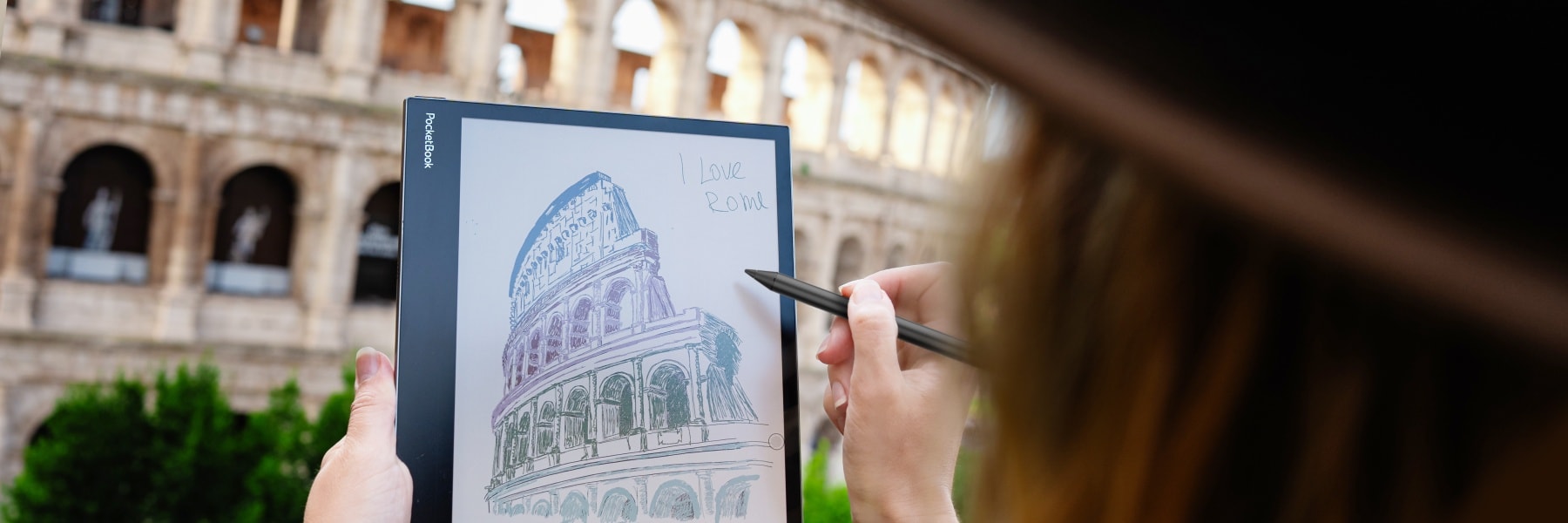
AI Handwriting Recognition is coming to InkPad One, bringing a faster and smarter way to turn handwritten notes into editable digital text. The new feature expands the capabilities of PocketBook's popular 10.3-inch e-note for active reading, joining several intelligent tools that make handwriting, note management, and sharing more seamless and intuitive than ever.
The new AI Handwriting Recognition feature quickly converts handwritten notes into digital text, making it easy to organize ideas, prepare reports, archive lecture notes, or share meeting summaries. Users can simply circle handwriting with the new AI Selection tool, refine sketches using Magic Shapes, and send notes directly from the device with the new Send-to-Email feature.
Coming in July 2026 with firmware update 6.11.1437, these new AI-powered features make PocketBook InkPad One an even more capable companion for reading, writing, studying, and productive everyday work.
These new features are delivered through the Notepad app, which will also be introduced to other PocketBook devices in the future, expanding access to comfortable and easy handwriting, note-taking, and organization tools.
Turn Handwriting into Editable Digital Text
Instead of retyping handwritten notes or sharing pages that may be difficult to read, InkPad One can now convert handwriting into clean, editable digital text in seconds. The feature allows users to keep the natural experience of handwriting while enjoying all the advantages of digital documents.
Whether capturing ideas during business meetings, taking lecture notes, planning projects, or organizing everyday tasks, handwritten content can be transformed into text that's ready for editing, archiving, or sharing. With support for 72 language packs, AI Handwriting Recognition adapts to users across different languages and workflows.
Share Notes in Seconds
Once handwritten notes have been converted into editable text, sharing them is just as effortless. The new Send-by-Email feature allows users to send notes directly from InkPad One to one or multiple recipients without switching devices.
Users can choose whether to include the note as an attachment or directly in the email body, while PDF and TXT export options provide additional flexibility. Whether sending meeting notes to colleagues, lecture summaries to classmates, or personal reminders between devices, sharing takes only a few taps.
AI Selection & Magic Shapes
Alongside AI Handwriting Recognition, InkPad One introduces two intelligent tools designed to make handwriting even more efficient.
- AI Selection allows users to simply circle handwritten text to instantly trigger handwriting recognition, making conversion faster and more intuitive.
- Magic Shapes automatically transforms rough hand-drawn circles, rectangles, arrows, and other shapes into clean geometric figures – ideal for diagrams, mind maps, presentations, notes, and technical sketches.
Together, these tools reduce repetitive editing and help users create cleaner, more professional-looking notes with minimal effort.
Designed for Active Reading: InkPad One at a Glance
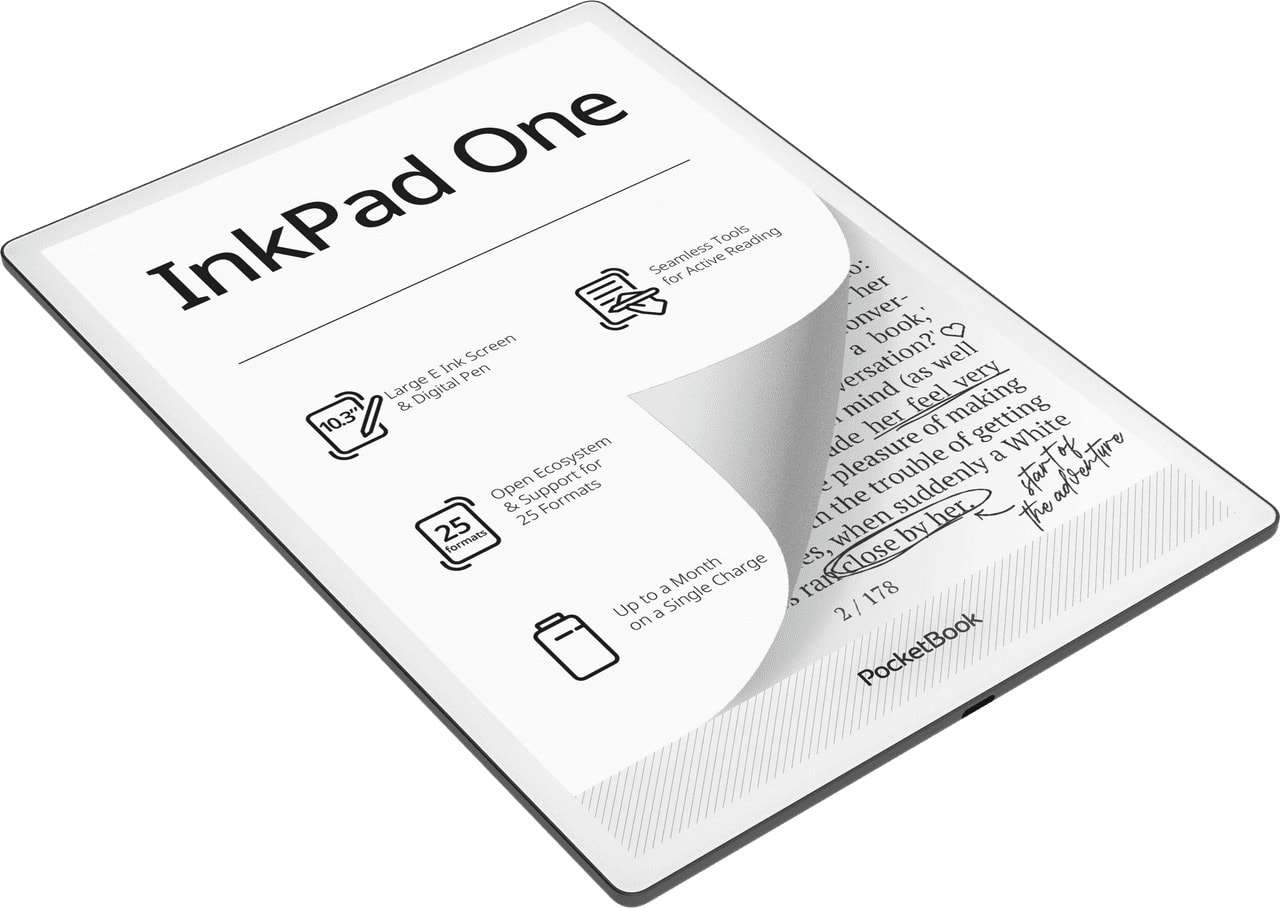
InkPad One is a 10.3-inch e-reader with a stylus, built for active reading, handwriting, and everyday productivity. It combines an eye-safe E Ink Mobius™ display with a natural writing experience, allowing users to read and write in one seamless workflow. SMARTlight allows to adjust the screen’s brightness and color temperature for different environments, while Text-to-Speech, Bluetooth and audiobook support make it easy to switch between reading and listening. The device features a minimalist, button-free design, recently marked with a prestigious Red Dot Award 2026. A flush screen and a premium aluminum frame, creating a clean, uninterrupted reading surface. Its large format is built for long reading sessions, note-taking, and document work without distraction.
Users can buy a new InkPad One with the described note-taking features out of the box or update their already purchased InkPad One to the newest firmware version.